
Google Search Console Guide: How to Track Your Website's Keywords and Search Traffic
Stop guessing which search terms work. Learn how to set up Google Search Console to monitor organic click stats, fix mobile crawl errors, and discover high-intent ranking keywords.
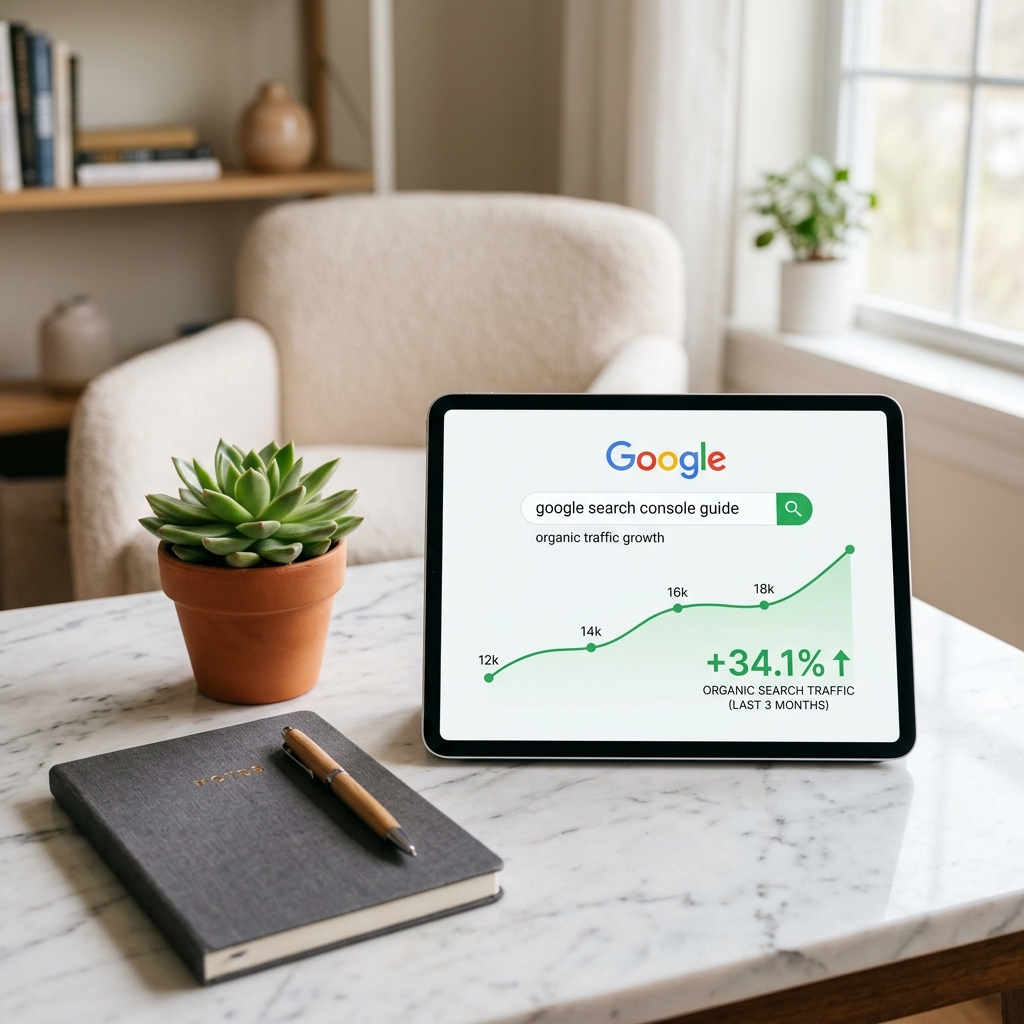
Many business owners spend thousands on SEO without ever knowing which keywords actually drive customers. Google Search Console is a free, powerful tool that shows you exactly how Google sees your site, what search queries bring clicks, and where technical errors are hurting your rankings.
TOTAL CLICKS
1.84K
+12.4%IMPRESSIONS
42.6K
+8.2%AVERAGE CTR
4.3%
StableAVG POSITION
12.4
+1.5 ranksTrack Your Real Search Traffic
Google Search Console provides direct access to Google's search logs, displaying the precise search queries visitors enter to discover your company website.

High-Intent B2B Organic Opportunity Matrix
| Search Keyword Query | Average Rank | Organic Clicks | Optimization Strategy |
|---|---|---|---|
| "custom app development monthly" | #2 | 342 Clicks | Maintain rank (Link-building) |
| "website speed business growth" | #11 | 84 Clicks | Optimize page tags to push to Page 1 |
| "google console sitemap errors" | #4 | 192 Clicks | Add a dedicated, scannable guide section |
How to Audit Your Discoverability in 3 Steps
Once your profile is verified, use these three scannable steps to ensure Google reads your site correctly:
Submit Sitemap.xml
Navigate to the "Sitemaps" tab and submit your URL. This acts as a blueprint, telling Google's crawlers exactly which pages to index.
Audit Crawl Errors
Check the "Page Indexing" tab weekly to locate any broken 404 links, redirect loops, or non-indexed pages leaking authority.
Track High-Intent keywords
Sort queries by impressions to find keywords you rank for on page 2. Adding high-value text to those pages will push you to page 1.
Built-In Crawlability by Design
No matter how optimized your keywords are, Google cannot rank a site that is technically broken. Professional custom code ensures clean semantic markup, structured sitemaps, and near-instant load speeds—making it extremely easy for Google's search spiders to catalog your business.
Technical Indexing Audit
Demystifying Core Web Vitals & Page Speed
A slow website is an active threat to your search engine visibility. Google explicitly uses UX loading speed metrics as official ranking factors:
1. LCP (Largest Contentful Paint)
Measures loading performance. To satisfy Google's guidelines, the main content of your landing page must render in 2.5 seconds or less.
2. CLS (Cumulative Layout Shift)
Measures visual stability. Layout blocks shifting during load (common on cheap templates) causes user frustration and organic down-ranking.
3. INP (Interaction to Next Paint)
Measures interface responsiveness. It audits exactly how fast elements react to taps. High latency instantly drops conversion rates.
Get a Website That Actually Ranks
Deploy a modern, lightning-fast website pre-configured with Google Analytics and Search Console verification. Enjoy predictable monthly maintenance and full SEO tagging built-in.
Claim Your Free Technical SEO Audit →Frequently Asked Questions
Q1: How do I verify my website with Google Search Console? ↓
The easiest B2B method is adding a TXT DNS record to your domain registrar (e.g. GoDaddy or Namecheap), or uploading a small verification HTML file to your site's root directory.
Q2: Why are some of my website pages not indexed? ↓
Google sometimes filters out pages that are too short, have duplicate content, or load too slowly. Custom-coded, fast Next.js architectures naturally avoid these indexing pitfalls.
Q3: What is the difference between Google Analytics and Google Search Console? ↓
Google Analytics tracks what users do on your website after arriving. Google Search Console tracks how searchers find your site on Google before clicking.
“A great product is born at the intersection of design, usability, and empathy.”
Every decision we make as developers shapes how people experience technology.